How do I change my password after I first login into the CHRMP Academy?
To change your password after the first login, visit https://academy.chrmp.com/wp-login.php.
Fill the login credentials (email and the temporary password) that you receive from CHRMP and click on 'Log In'. 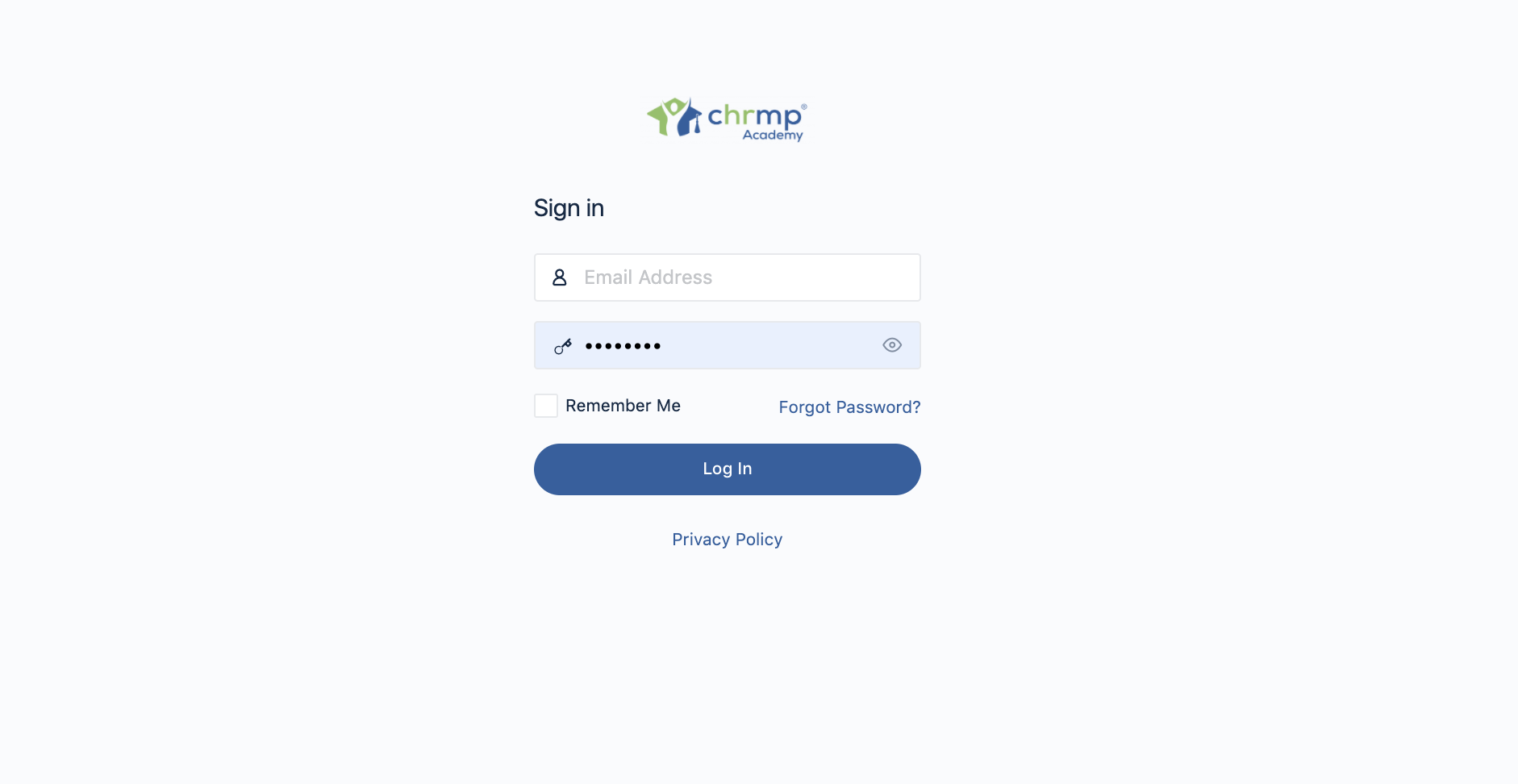
To change the password visit https://academy.chrmp.com/members/me/settings/.
Or after logging in,
Go to Menu Bar > Profile Dropdown > Account > Login Information
You can now add the new password.
Click on 'Save Changes' and your new password will be updated.